HTML Beautifier: Making Minified or Messy HTML Readable
How to beautify HTML — format minified output, fix broken indentation, and make auto-generated markup readable. Tools for browser, CLI, and programmatic use.
- html
- beautifier
- formatting
- minified html
- code tools
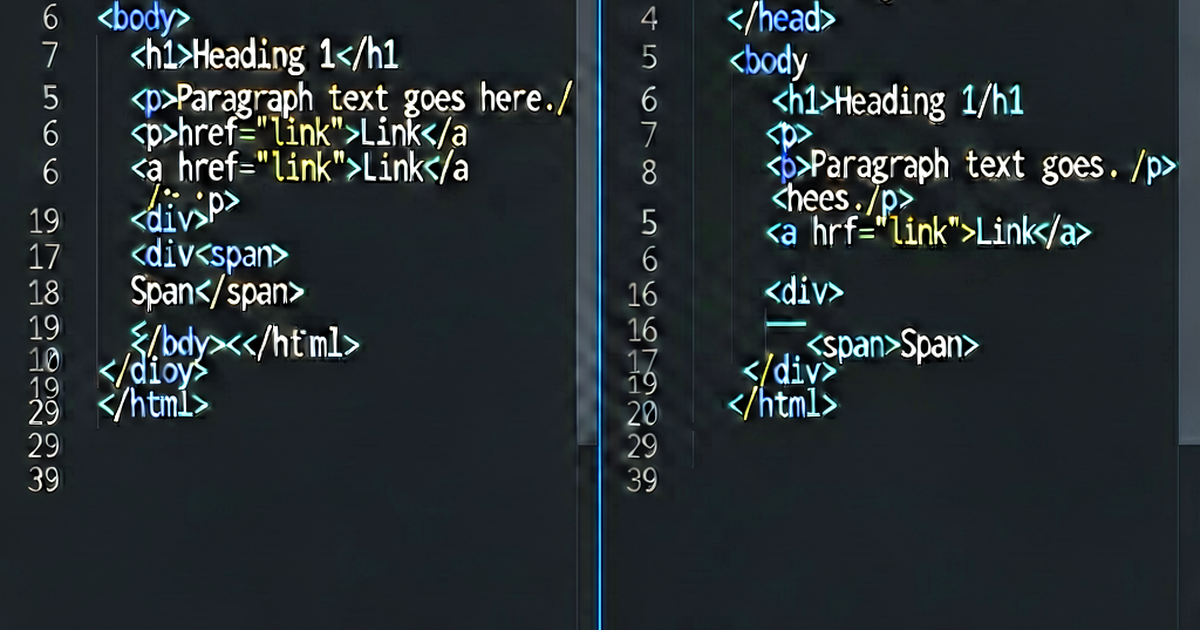

HTML beautifiers take minified, generated, or poorly indented HTML and produce clean, readable output. They’re the inverse of minifiers — add whitespace back in, not take it out.
When you need a beautifier
- Debugging minified HTML from a production build
- Reading auto-generated HTML from a CMS or tool
- Reviewing HTML in an email template (usually written as one long line)
- Copy-pasted code without indentation
- Inspecting HTML from a web scraper or API response
Online beautifier
The fastest way: paste into htmlformat.io and click Format. Configurable indentation (2 or 4 spaces, tabs), no installation needed.
js-beautify (CLI and API)
js-beautify handles HTML, CSS, and JS from the same tool:
npm install --save-dev js-beautify

# Format a file
npx html-beautify -f input.html -o output.html

# Common options
npx html-beautify \
  --indent-size 2 \
  --indent-char " " \
  --max-preserve-newlines 2 \
  --preserve-newlines \
  --wrap-line-length 0 \
  -f input.html
Key options:
--indent-size— number of spaces (default 4)--wrap-line-length— max line length before wrapping attributes (0 = no wrapping)--preserve-newlines— keep blank lines from source--wrap-attributes—"auto","force","force-aligned","force-expand-multiline"
Programmatic API:
const beautify = require('js-beautify').html;

const ugly = '<html><head><title>Page</title></head><body><p>Hello!</p></body></html>';
const pretty = beautify(ugly, { indent_size: 2, wrap_line_length: 100 });
console.log(pretty);
Output:
<html>

<head>
  <title>Page</title>
</head>

<body>
  <p>Hello!</p>
</body>

</html>
Prettier
Prettier formats and beautifies in one pass:
npx prettier --write "src/**/*.html"Prettier produces the most opinionated output — not configurable like js-beautify, but excellent for team consistency. See Prettier HTML configuration for setup details.
Python: BeautifulSoup
from bs4 import BeautifulSoup

def beautify_html(raw: str, indent: int = 2) -> str:
    soup = BeautifulSoup(raw, 'html.parser')
    return soup.prettify(indent_width=indent)

minified = '<div class="card"><h2>Title</h2><p>Body text here.</p></div>'
print(beautify_html(minified, indent=2))
Output:
<div class="card">
  <h2>
   Title
  </h2>
  <p>
   Body text here.
  </p>
</div>
Note: BeautifulSoup’s prettify() places text content on separate lines from tags. For HTML output where text should stay on the same line as its tag, post-process the output or use lxml’s tostring with pretty_print=True.
With lxml:
from lxml import etree, html as lxmlhtml

def beautify_with_lxml(raw: str) -> str:
    tree = lxmlhtml.fromstring(raw)
    return etree.tostring(tree, pretty_print=True, encoding='unicode')

print(beautify_with_lxml('<div><p>Hello</p></div>'))
# <div><p>Hello</p></div>  (lxml preserves inline structure)
Node.js: parse5 + serialize
npm install parse5const parse5 = require('parse5');
const { serialize } = require('parse5');
// parse5 doesn't add indentation natively
// use with js-beautify for formatted output
const beautify = require('js-beautify').html;
const fragment = parse5.parseFragment('<div><p>Hello</p></div>');
const serialized = serialize(fragment);
const formatted = beautify(serialized, { indent_size: 2 });DevTools “Copy outerHTML” trick
When debugging a page:
- Right-click any element → Inspect
- Right-click the element node in the Elements panel → Copy → Copy outerHTML
- Paste into htmlformat.io for formatted, readable markup
This is faster than trying to read the Elements panel directly for complex nested structures.
Beautifying HTML email
HTML emails are typically written as one long line for maximum email client compatibility. To read and edit them:
- Copy the HTML source
- Paste into htmlformat.io
- Format and edit
- Re-minify before sending (some email clients behave better with compact HTML)
Email HTML uses deprecated layout tables and inline styles — a beautifier makes these manageable to read even if the structure isn’t pretty.
Format HTML online
htmlformat.io — paste, format, copy. Works for any HTML: web pages, emails, templates, API responses.
Related reading
-
Prettier HTML Formatting: Configuration and Common Issues
Configure Prettier for HTML files: print width, attribute wrapping, whitespace sensitivity, and integration with VS Code, ESLint, and pre-commit hooks.
-
How to Format HTML: Tools, Rules, and Editor Shortcuts
Format messy HTML with online tools, Prettier, VS Code, or CLI utilities. Covers indentation rules, attribute ordering, and formatting HTML templates.
-
HTML Indentation Best Practices
HTML indentation rules: when to indent, how deep to go, tabs vs spaces, and how to configure your editor for consistent HTML formatting.